 Professor Franklin
Chapter 17 · Reading 1 of 3
Device, gateway, phone and cloud
CHFI domains 1, 4, 5, 6
The door sensor on Ferrous Valley’s loading bay 4 is a small battery-powered contact switch. It knows only whether the door is open or closed right now. Yet the company has a record of the door opening at 02:14:20 UTC on 24 November. That record was made somewhere else, and finding all the places an IoT event is recorded is the first task in any connected-device case.
Evidence lives in four layers
An Internet of Things (IoT) device is a networked device that senses or acts in the physical world, from door sensors and cameras to smart speakers, wearables and building controls. Most keep little history themselves. They report to other systems that do.
- DeviceThe sensor: current state, battery level, perhaps a small event buffer. Firmware and configuration in flash memory.
- Gateway or hubThe warehouse’s wireless gateway received the open message and timestamped it on arrival with its NTP-synchronized clock. Local logs, sometimes rotated within days.
- Companion app on a phoneThe facilities manager’s app cached recent events in a SQLite database, with Unix timestamps, and showed a push notification.
- Vendor cloudThe account’s full event history, device list, user list and access log. Obtained by account export or by legal process to the vendor.
The timestamp’s origin matters. The sensor has no reliable clock, so the event time was assigned by the gateway when the message arrived. A message delayed by a weak radio link or a sleeping sensor would carry the gateway’s arrival time, not the moment the door moved. The examiner records which layer assigned each time.
Smart speakers and wearables
Consumer devices follow the same pattern.
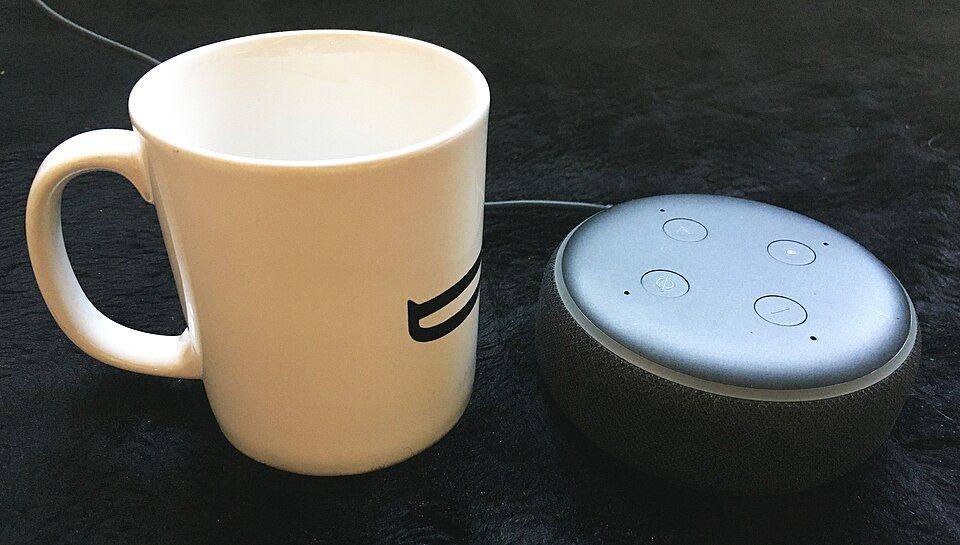

A smart speaker listens locally for its wake word and sends the request that follows to the vendor’s cloud. The account’s voice history, routines and connected-device actions are kept in the cloud, where the user can review and delete them, and the companion app may cache recent activity. A request such as “unlock the side door” can tie a voice command to a time and a device action.
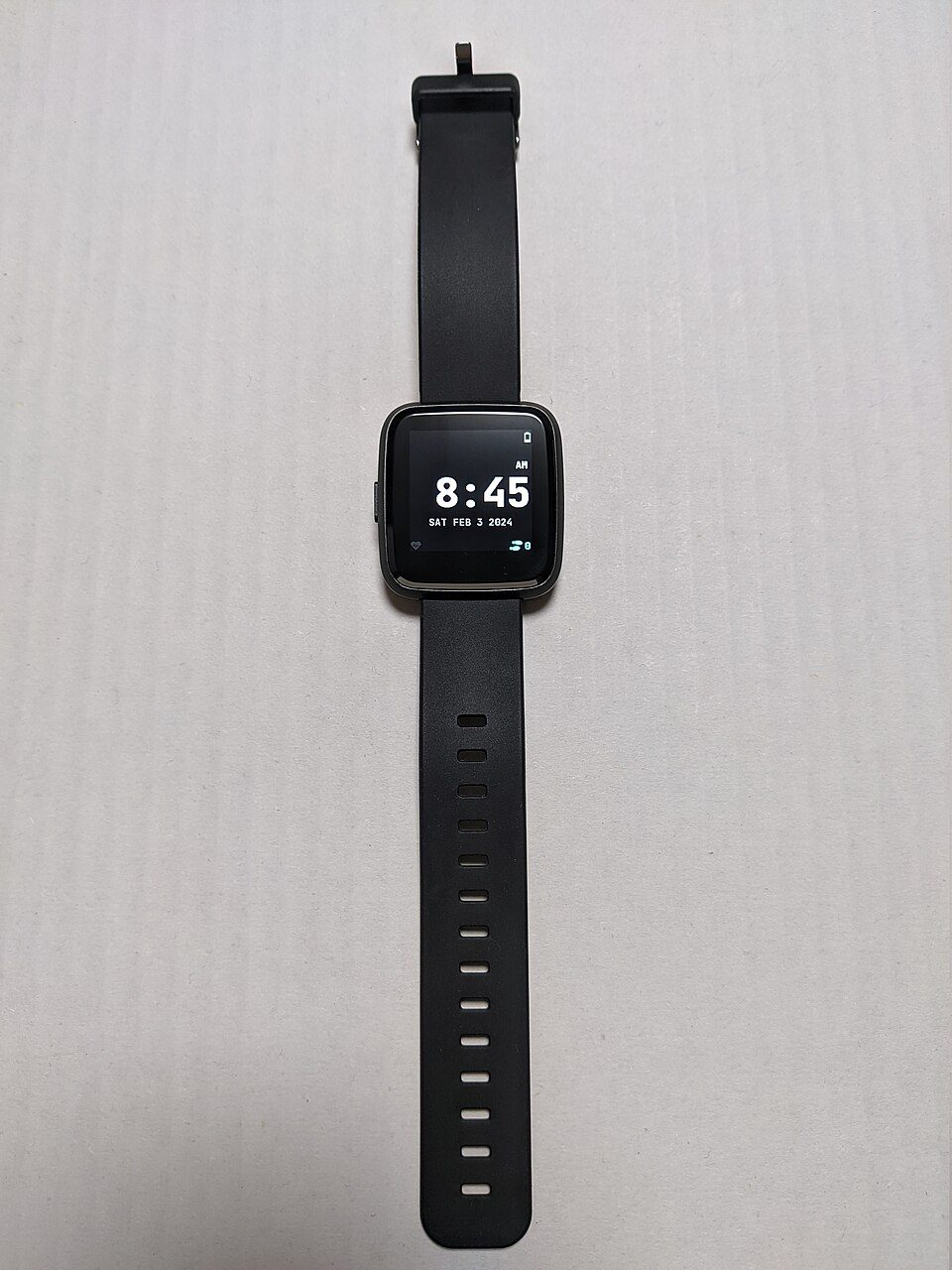
A smartwatch or fitness tracker records heart rate, steps, workouts and sometimes GPS tracks, and syncs them over Bluetooth to a companion app on a phone, which syncs to a cloud account. Evidence of activity at 02:14 might be on the watch itself, in the phone app’s database or only in the cloud, depending on when the last sync happened.

Use the OWASP IoT Top 10 to plan collection
The OWASP IoT Top 10 (2018) lists the most common weaknesses in IoT systems. For an examiner, it doubles as a list of where to look and what may have been abused.
| # | Category | Collection question |
|---|---|---|
| 1 | Weak, guessable or hardcoded passwords | Could someone have logged in to the gateway or device with a default password? Check its access logs. |
| 2 | Insecure network services | Which services were exposed? Capture or scan only with approval. |
| 3 | Insecure ecosystem interfaces | Which web, cloud API and mobile interfaces could change the device? Request their logs. |
| 4 | Lack of secure update mechanism | Was firmware replaced? Record firmware versions and hashes. |
| 5 | Use of insecure or outdated components | Note known-vulnerable versions in the report. |
| 6 | Insufficient privacy protection | What personal data does the device hold? Scope and minimize collection. |
| 7 | Insecure data transfer and storage | Could messages be read or forged in transit? Assess the reliability of the event records. |
| 8 | Lack of device management | Is there an inventory? Unknown devices may be unmanaged or planted. |
| 9 | Insecure default settings | Were logging and authentication left at weak defaults? |
| 10 | Lack of physical hardening | Could someone tamper with the sensor, such as by removing its magnet or battery? |
At Ferrous Valley, category 10 matters. A contact sensor can be defeated by holding a magnet against it, and the gateway would then record no opening at all. The sensor did report an opening, so it was not defeated that night, but the plan still includes inspecting it for tampering.
On the exam, look beyond the device to the gateway, the companion app and the cloud, and identify which layer assigned each timestamp. The next reading, Bluetooth associations, asks which other devices were near bay 4.
Inspect the three records, then use the evidence to answer the question.
1. Device
bay4-door (contact sensor)
2. State
OPEN
3. Timestamp
1795486460 (Unix seconds)
Apply the reading
The door sensor itself stores nothing but its current state. Where else would you look for its history?
Compare your reasoning
The gateway or hub that receives its messages, the vendor’s cloud account that stores event history, the companion app’s database on any paired phone, and any integration that forwards events, such as a security system or a messaging service.